UX/UI Design

UX/UI

Irys Design System

Category

UX/UI

Client

Irys

Start Date

September 2020

Designer

Design System

Project Overview

Introduction

The Irys Design System was created to establish a cohesive, accessible, and efficient framework for both the Irys mobile app and the Irys Government Dashboard. With limited development time, we leveraged Tailwind CSS as the foundational framework due to its compatibility with React, rapid styling capabilities, and predefined utility classes that enabled a fast and scalable design process. This system ensures consistency in UI components, improves accessibility, and streamlines development, reducing technical debt and enhancing usability across platforms.

Goals & Principles

The design system aims to create a unified, accessible, and efficient experience across all Irys platforms. By establishing structured guidelines and reusable components, we ensure a seamless user experience while reducing development time and effort.

Consistency

Establish a unified design language across both the mobile and dashboard experiences

Accessibility

Ensure all components meet WCAG 2.1 AA guidelines for inclusivity.

Efficiency

Enable fast iteration and development through reusable components.

Scalability

Provide a flexible system that can evolve with new features and integrations.

Framework & Technology

Why Tailwind CSS?

Rapid Development

Utility-based classes reduce custom CSS, speeding up implementation.

Consistent Spacing & Sizing

Predefined scales maintain a uniform layout system.

Built-in Responsiveness

Mobile-first approach ensures seamless adaptation across devices.

Integration with React

Component-based architecture

The design system was built to be fully compatible with React, enabling component-based architecture for reusability.

Dynamic theming support

Improved maintainability through structured component organization.

Components & Guidelines

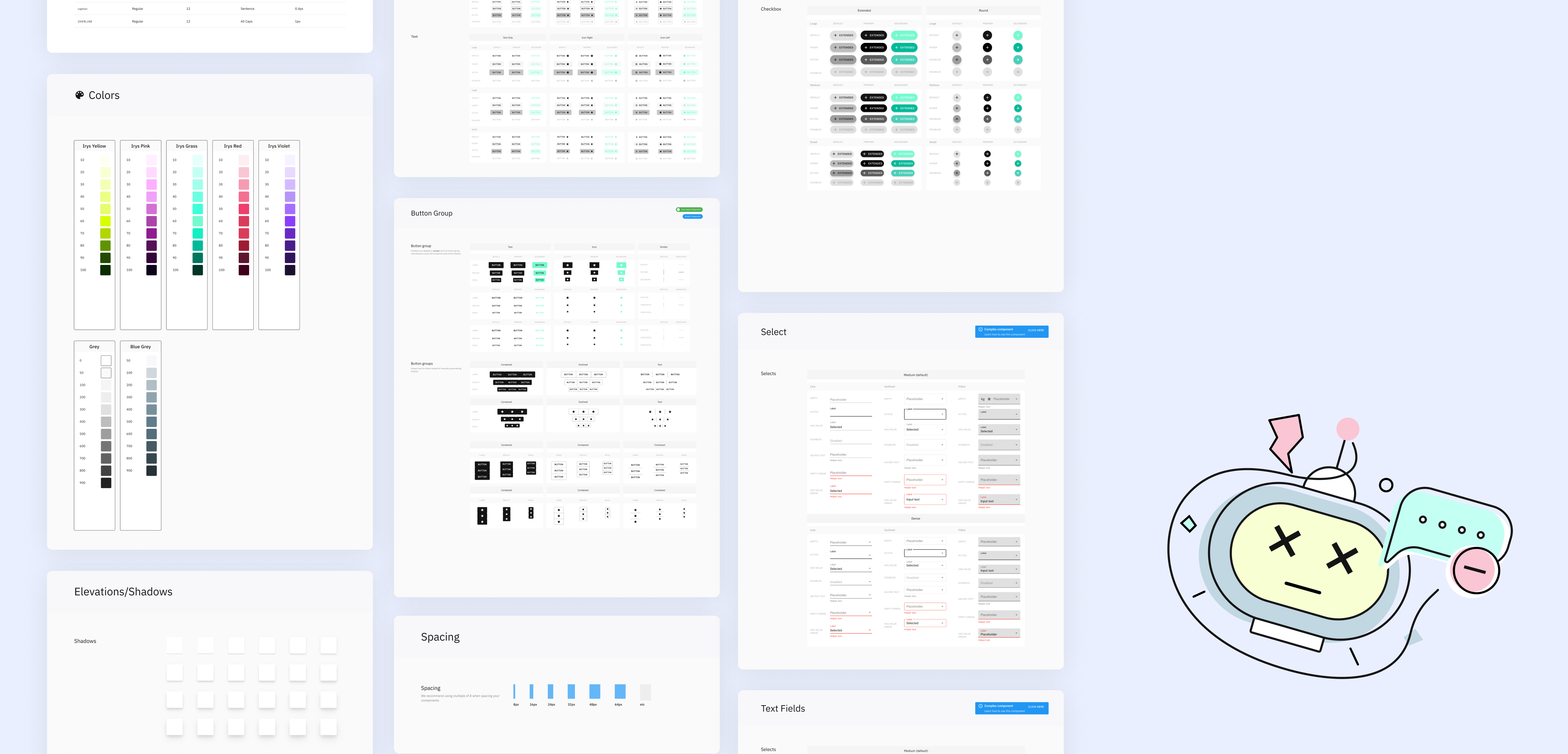
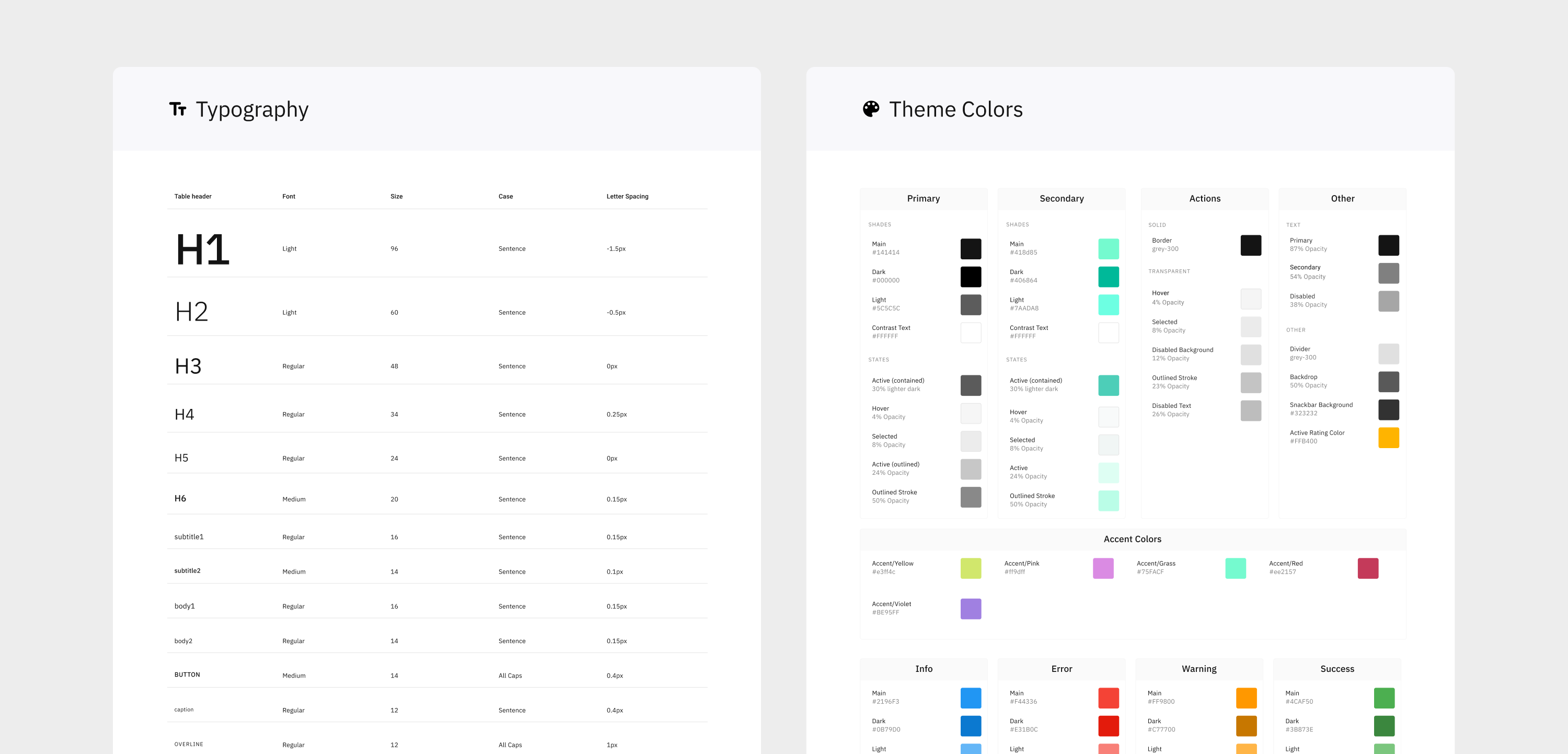
Typography

• Primary Font: Inter (for readability and modern appearance)
• Size Scale: Predefined text styles for headings, body, and captions.
• Line Height & Spacing: Optimized for legibility across different devices.

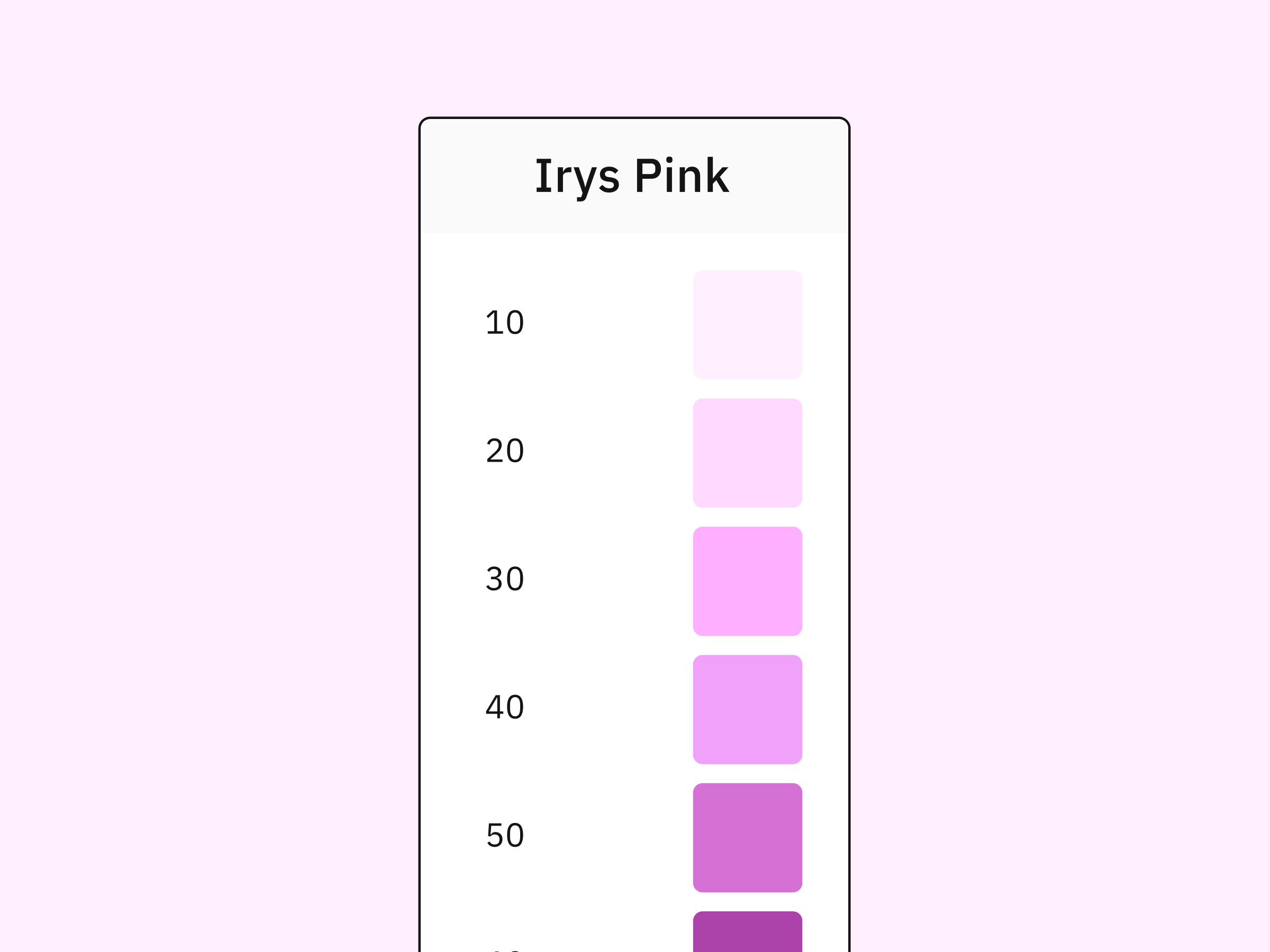
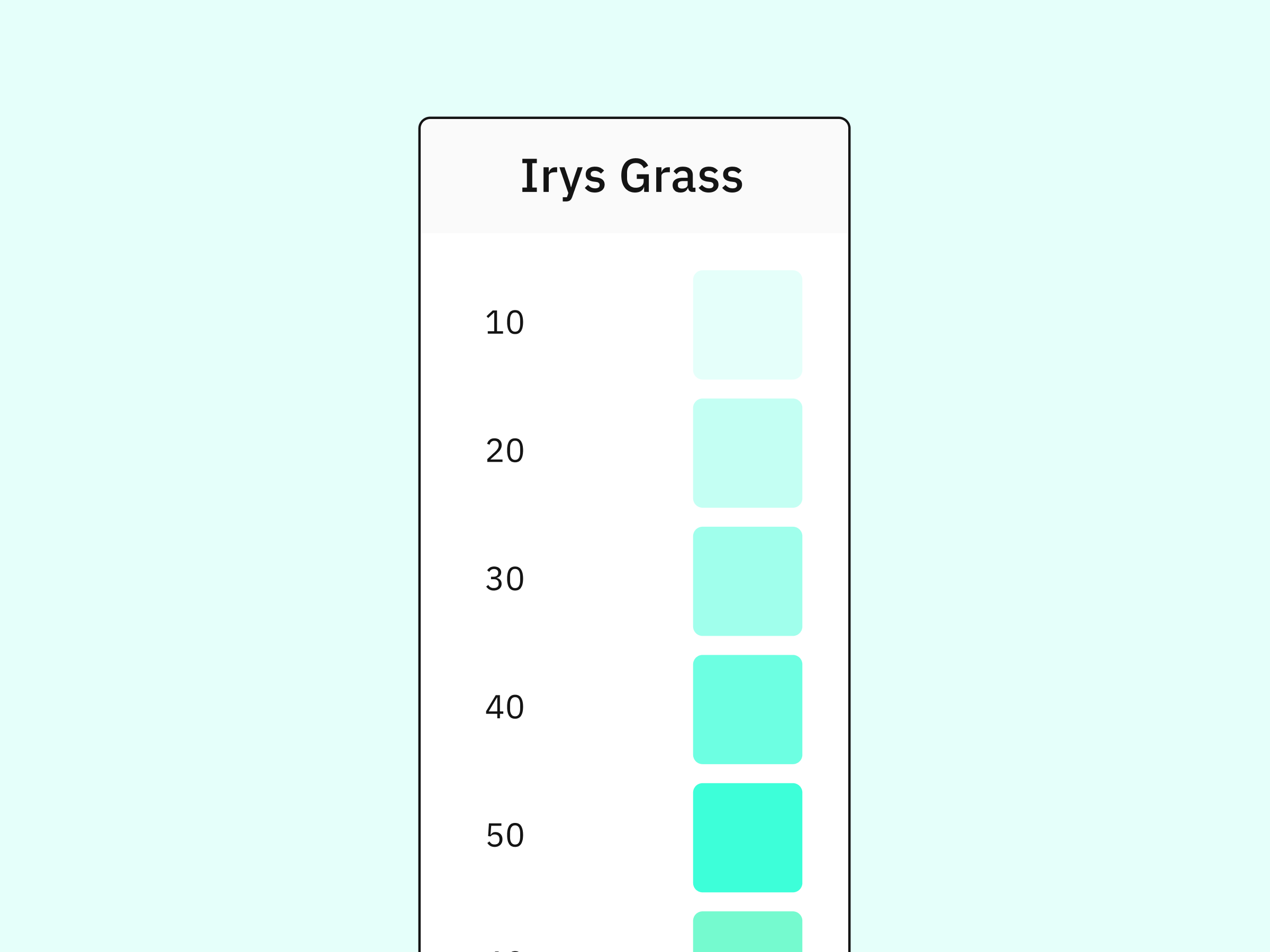
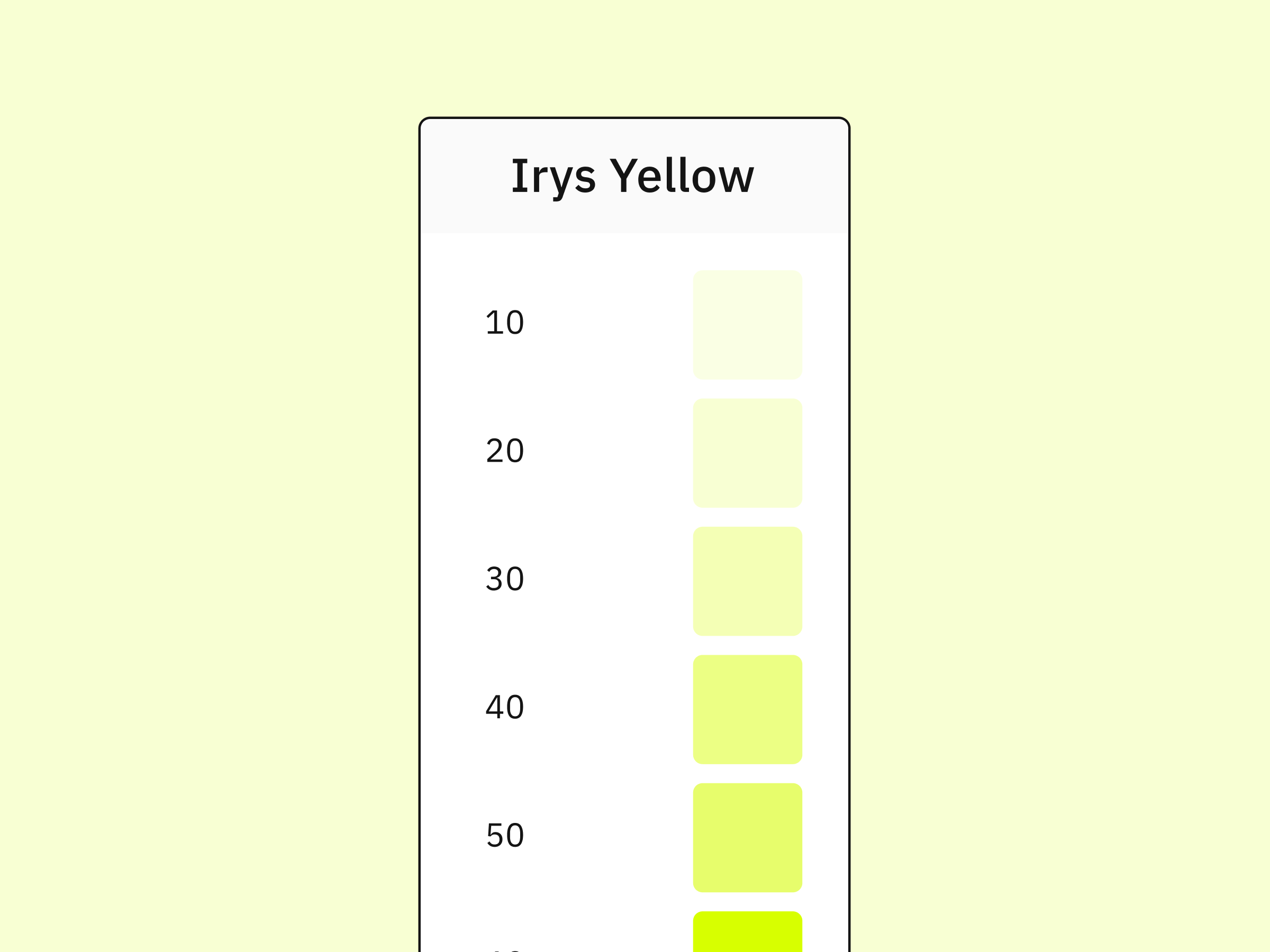
Color System

• Primary color: #00B999 (Green - Success & Community Engagement)
• Neutral Palette: Shades of gray for backgrounds, borders, and text contrast.
• Error & Alert Colors: Red (#DC2626) for errors, Yellow (#FACC15) for warnings.

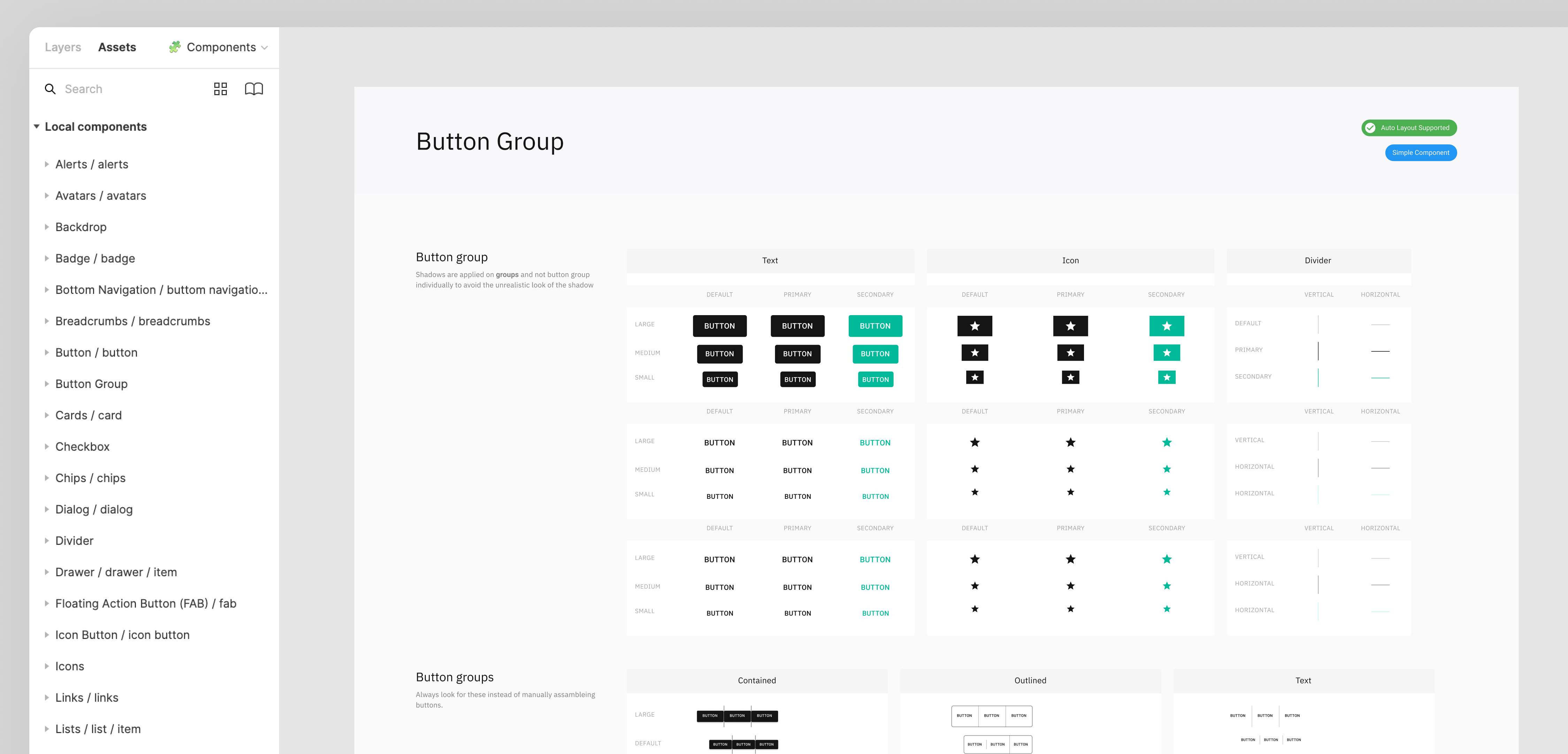
Buttons & Forms

• Button Variants: Primary, Secondary, Outline, and Disabled states.
• Accessible Click Areas: Ensuring touch-friendly targets (minimum 44px height).
• Form Elements: Input fields, checkboxes, radio buttons, and dropdowns designed for clarity and usability.

Navigation System

• Sidebar Navigation (Dashboard): Optimized for quick access to key sections.
• Tab & Breadcrumb Navigation: Enhancing user flow and discoverability.

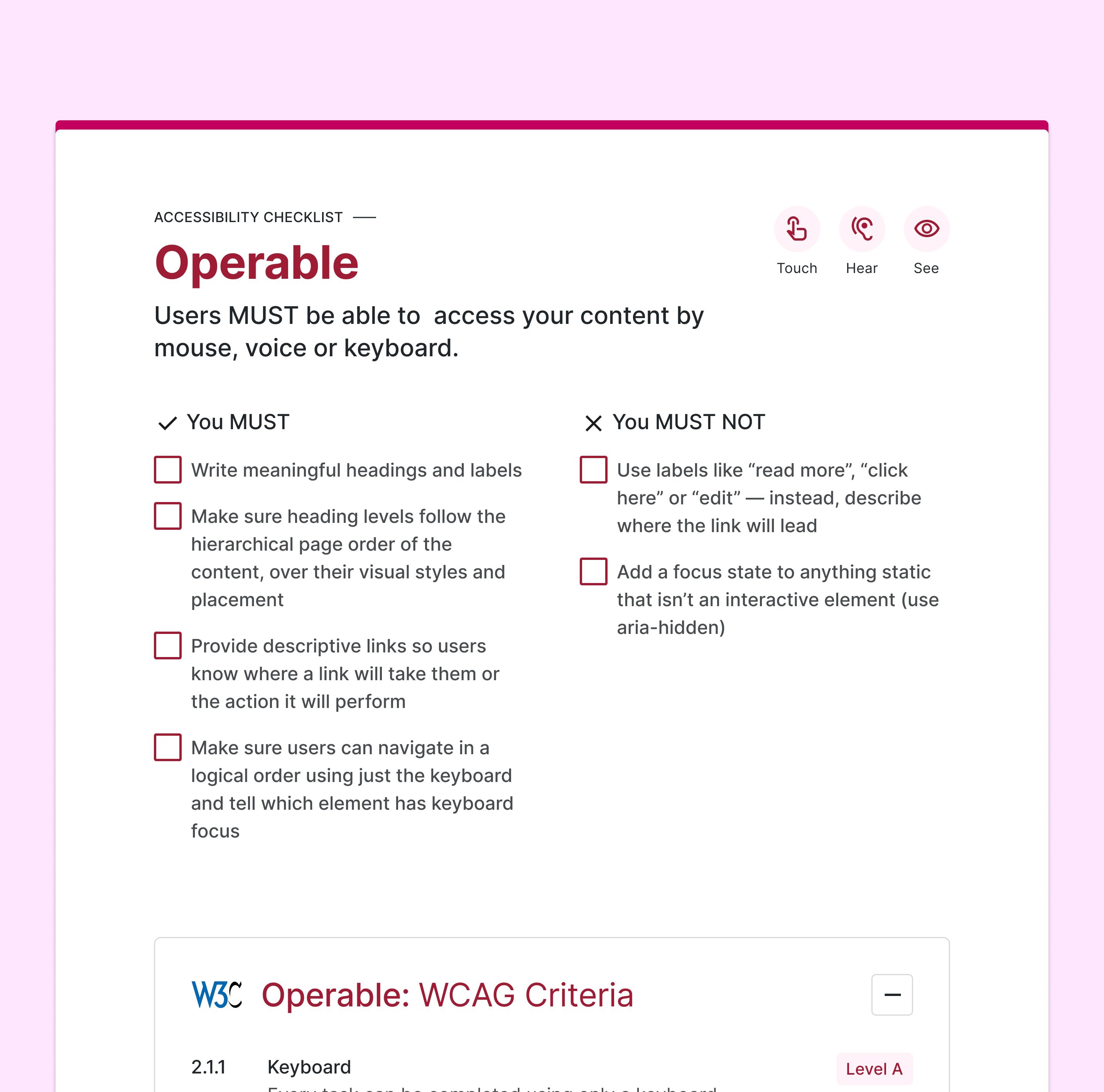
Accessibility Features

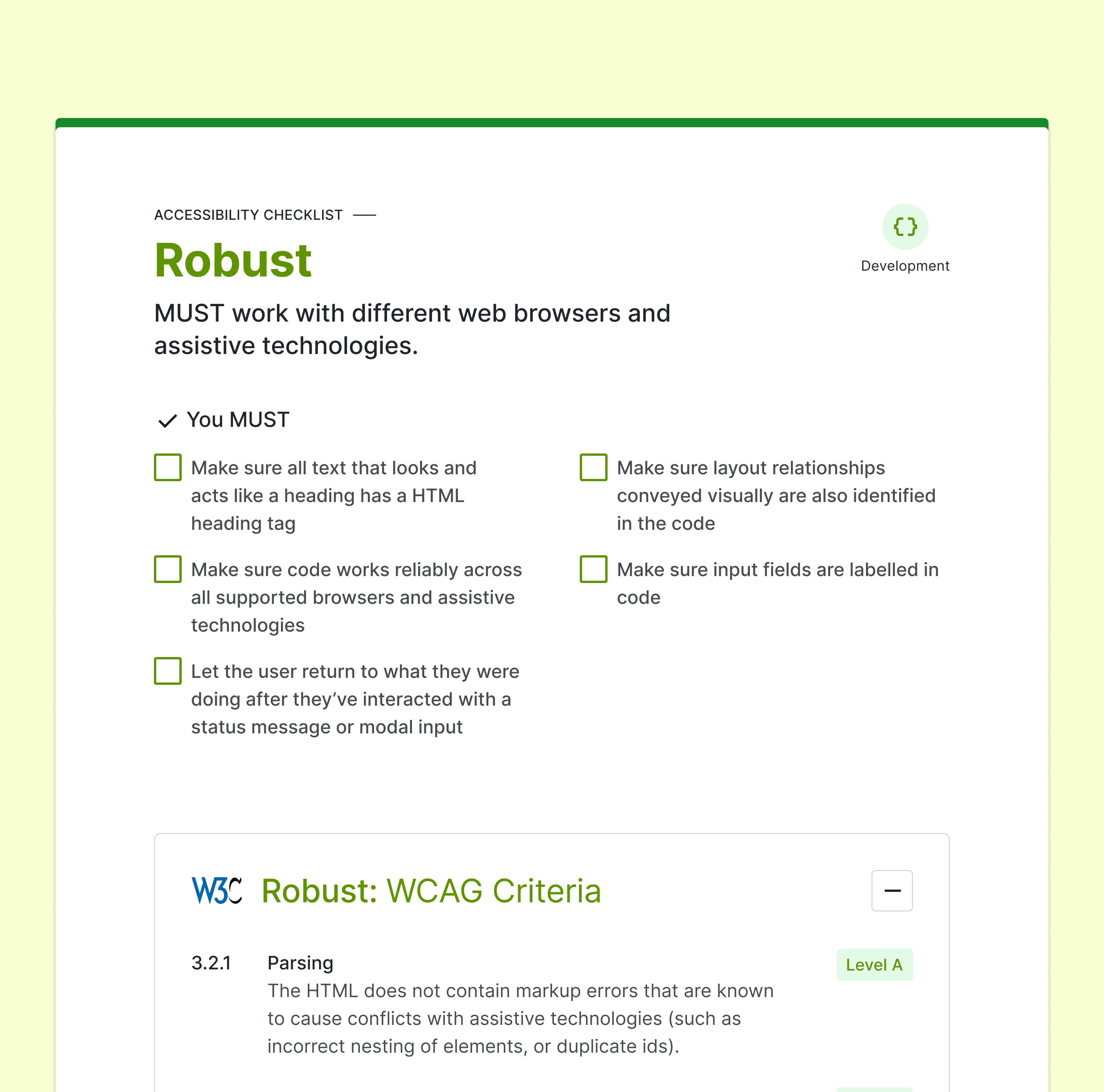
WCAG 2.1 AA Compliance

• Color Contrast: Meets minimum contrast ratio for text and UI elements.
• Keyboard Navigation: All interactive elements are fully navigable via keyboard.
• Screen Reader Support: Proper ARIA labels for enhanced accessibility.
• Focus States: Clear visual indicators for focused elements.

Responsive & Mobile-First Approach

• Adaptive Layouts: Components resize dynamically across different screens.
• Touch-Friendly Elements: Larger tap targets for improved usability on mobile.